WebNet0
Category: Forensics
Points: 350 pts
We found this packet capture and key. Recover the flag. You can also find the file in /problems/webnet0_0_363c0e92cf19b68e5b5c14efb37ed786.
The packet capture looks like this:
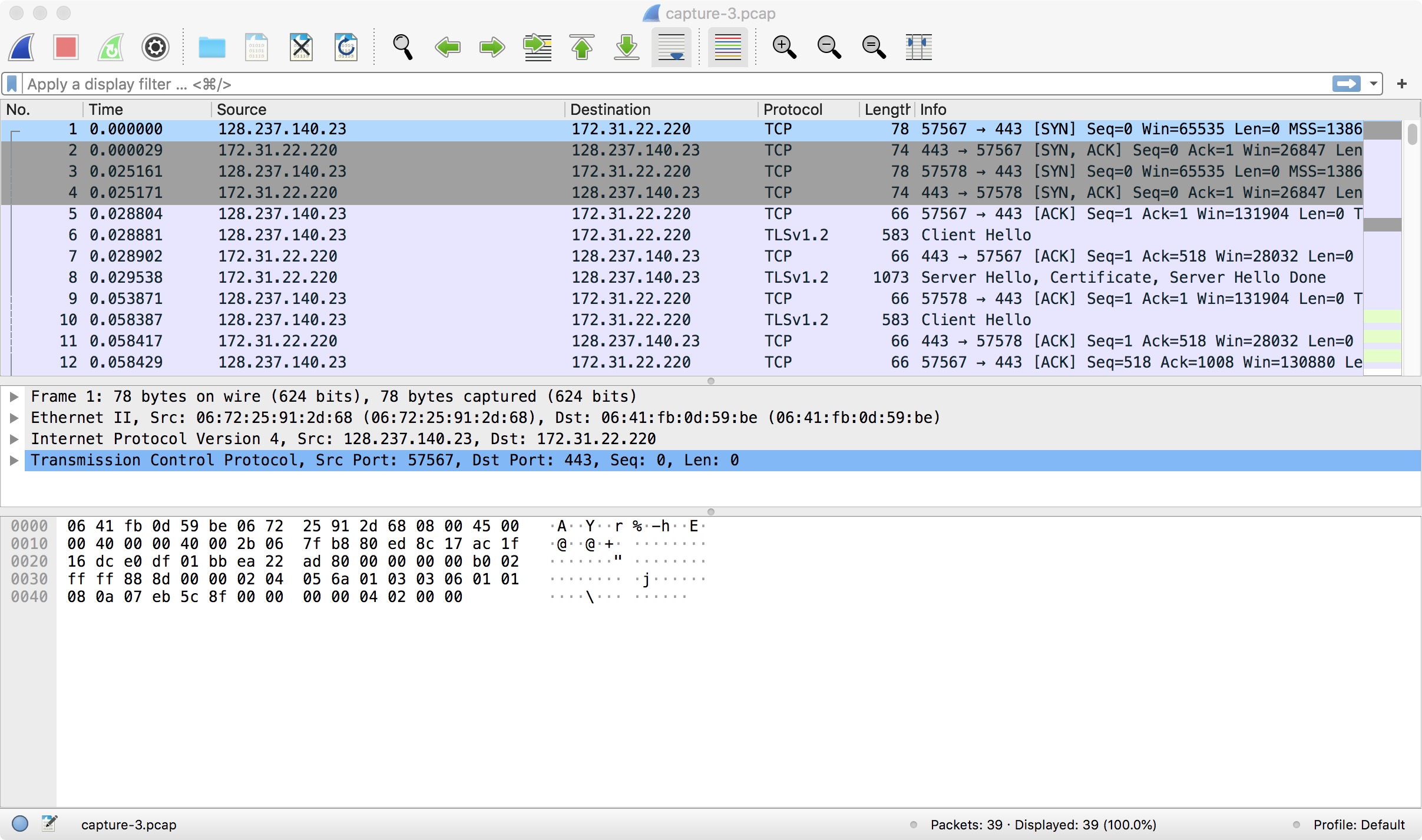
As we can see, the TLS protocol is used, so the communication is encrypted.
However, we are given the key. Wireshark Version 3 allows you to apply a key to the packet capture, so the communication will be decoded automatically! For Mac users, the way is Wireshark -> Preferences -> RSA Keys -> Add new keyfile. You can then add the downloaded keyfile.
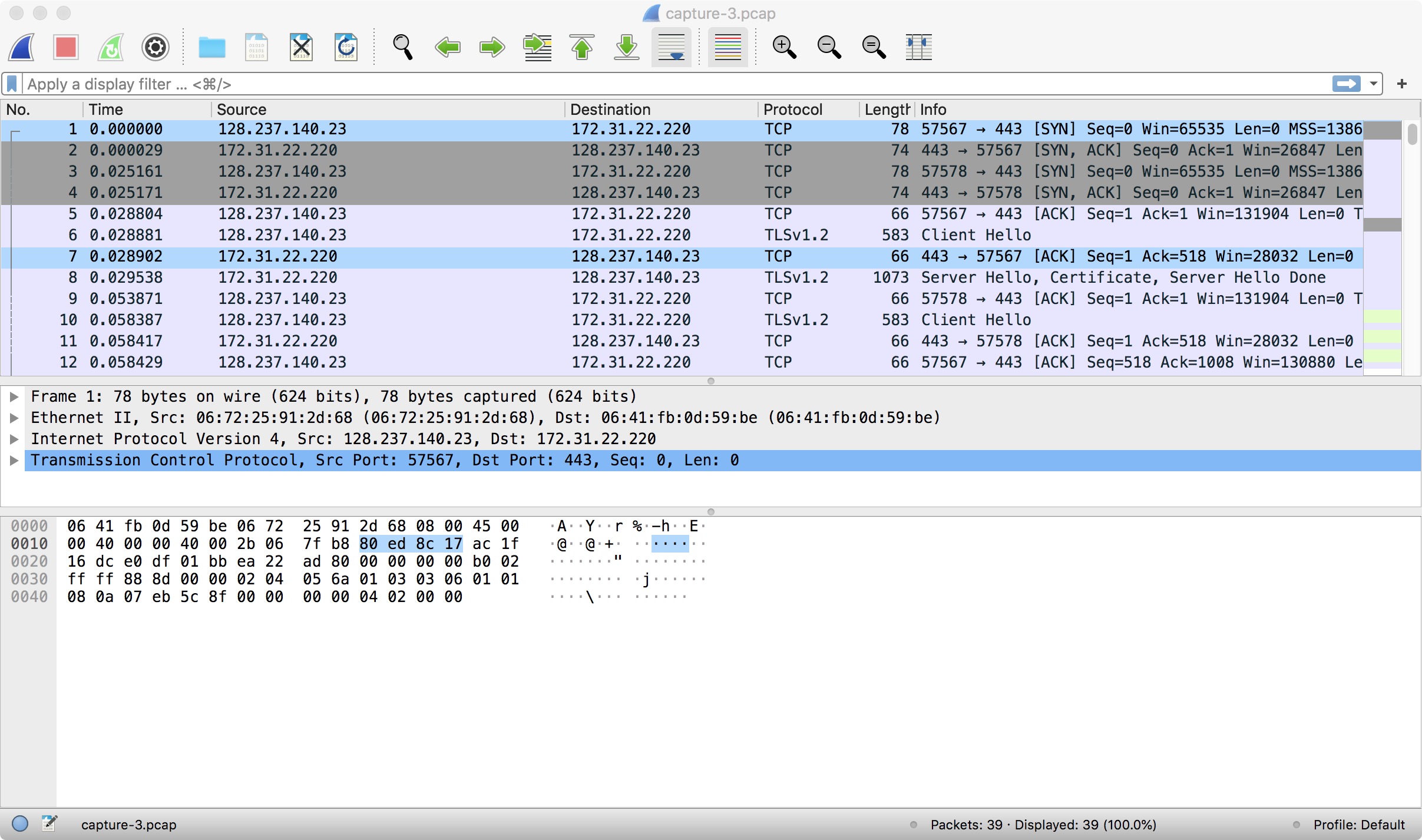
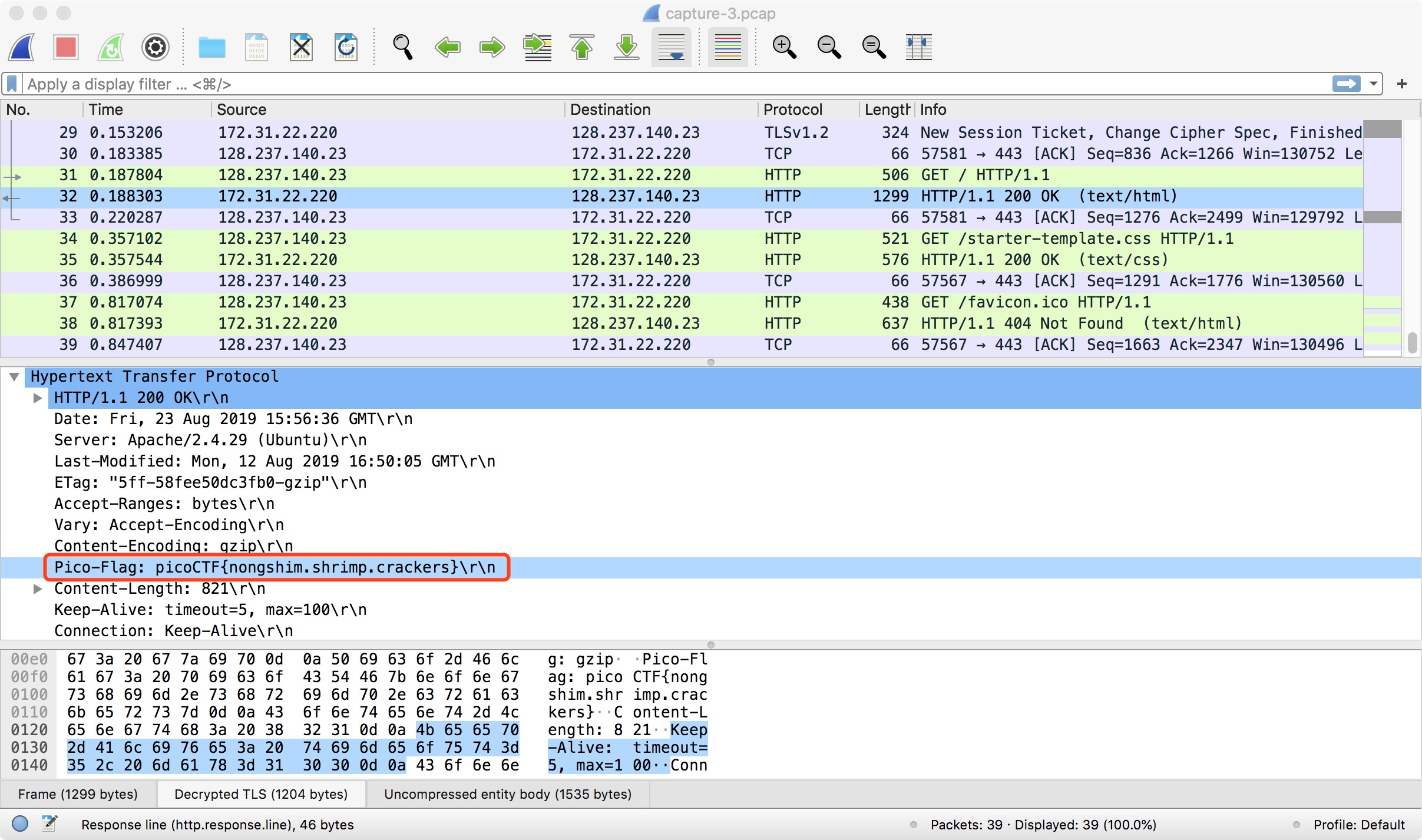
Then, return to the packet capture and right-click on an encoded packet. Select “Decode As…” and select the key you’ve just added. You can then see the decoded communication! The flag is right here: